Login to Bridges
If you already have a Bridges account, here is how to log in.
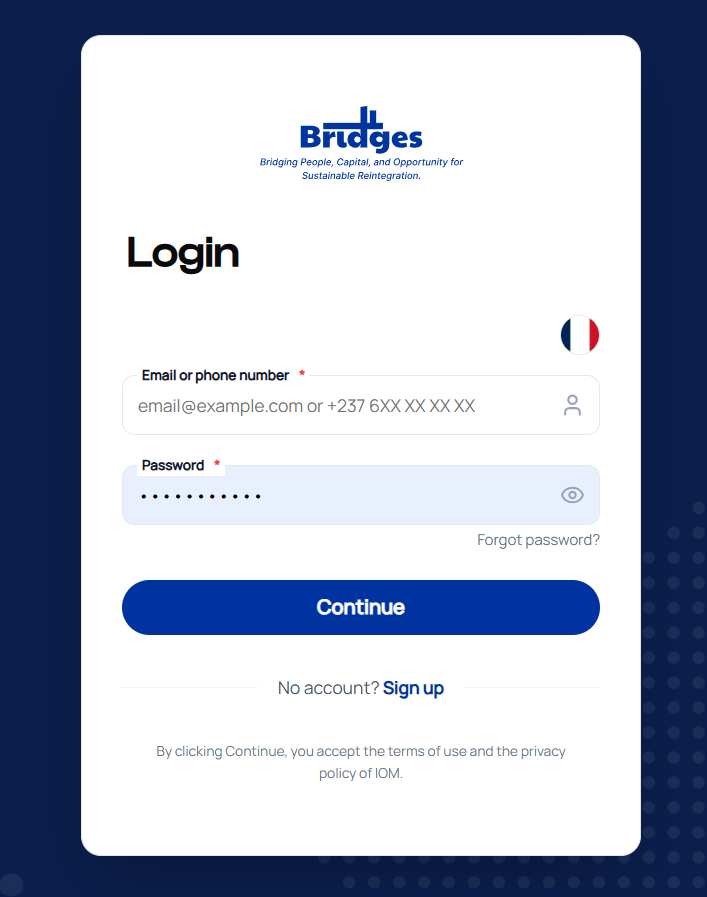
Bridges login screen
Sign in
-
Go to the Bridges platform
-
Click Sign In at the top right
-
Enter your email address or phone number
-
Enter your password
-
Click Continue
Language
You can switch languages (French / English) from the flag icon at the top right of the login screen.
Forgot your password
-
On the login screen, click Forgot password?
-
Enter the email address or phone number associated with your account
-
Follow the instructions sent by email or SMS
Don't have an account yet?
Click Register from the login page.